12
Worked example: Sarah's bereavement
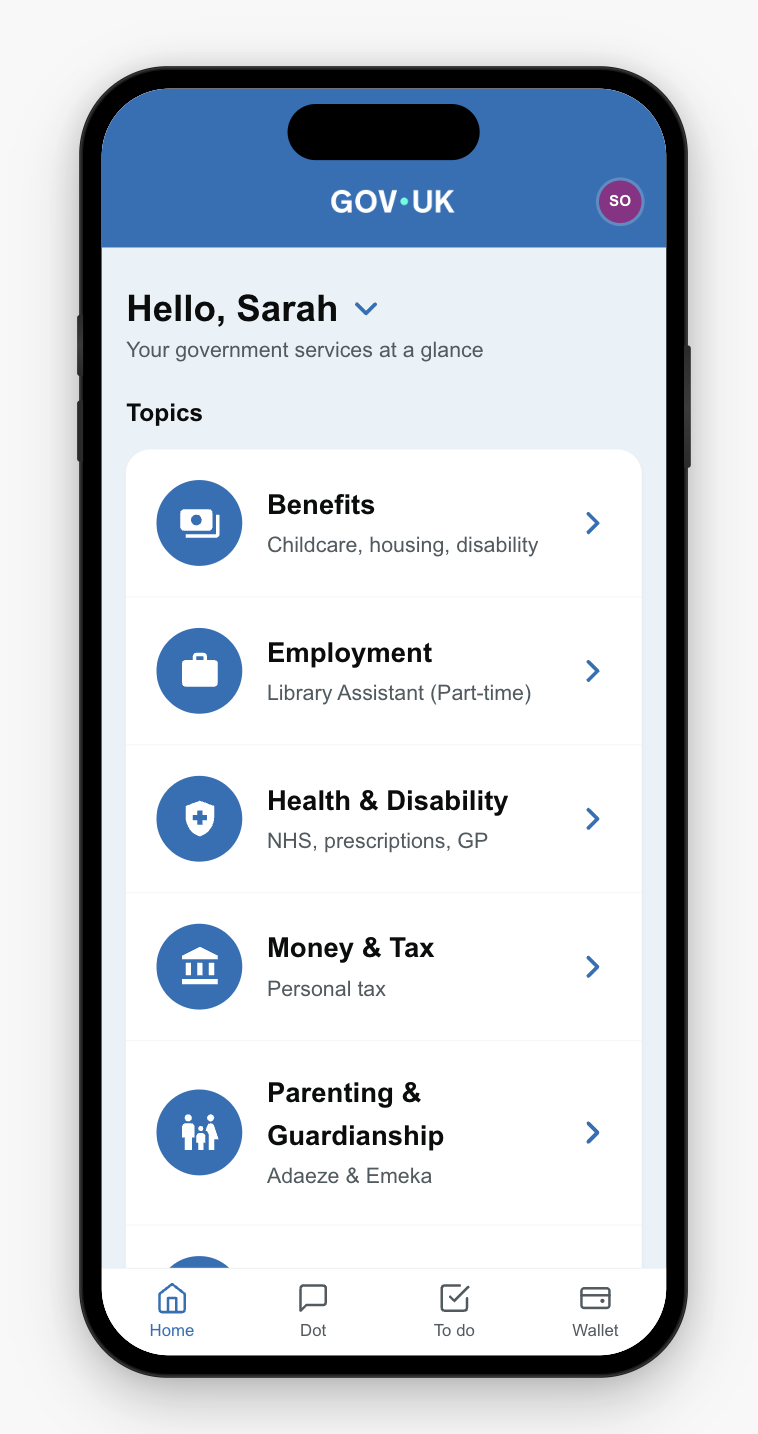
Sarah Okafor, age 58, Chelmsford. Her husband David died on 26 February 2026. She is named executor. Estate approximately £645,000. Two adult children. She works part-time as a library assistant.
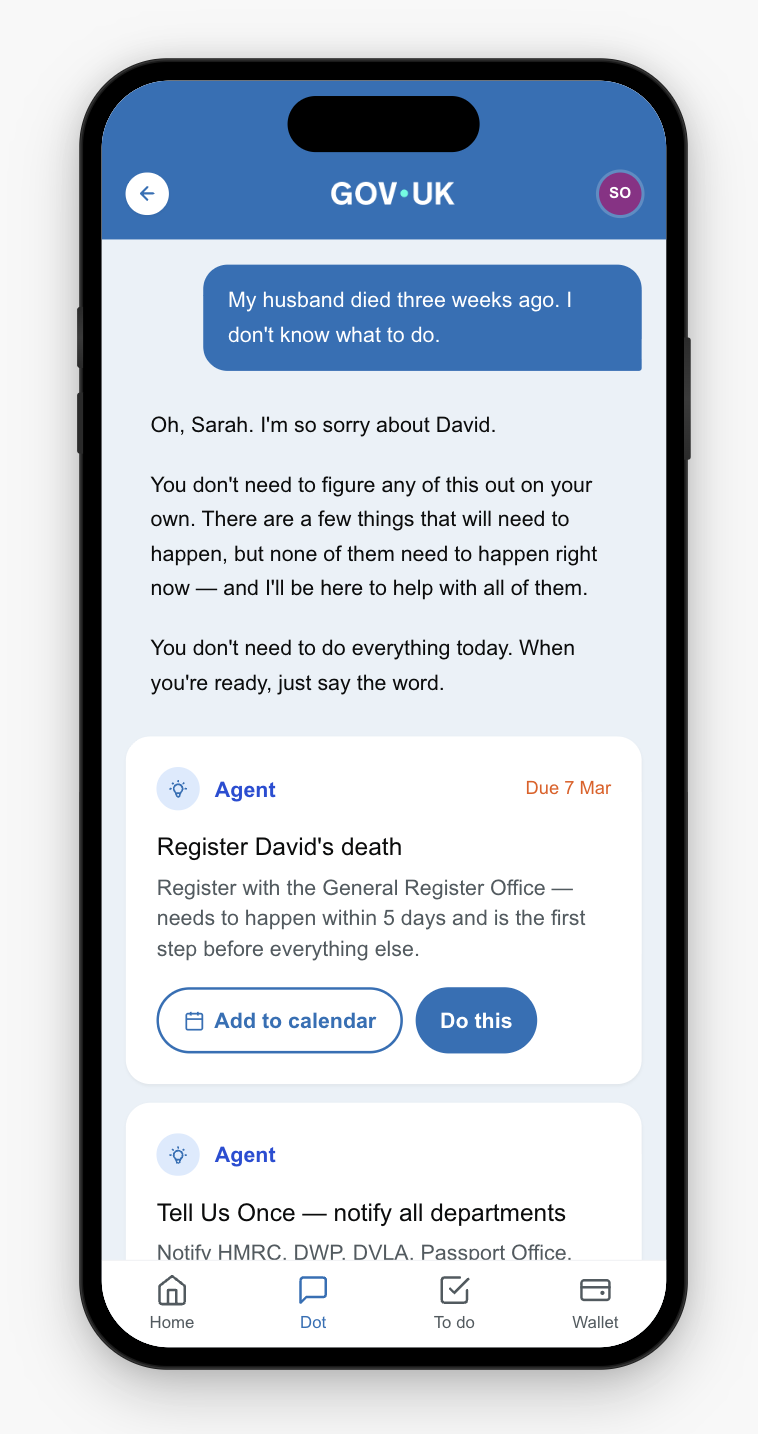
Sarah opens the app and types: "My husband died three weeks ago. I don't know what to do. David always handled everything."
She does not know which services exist, which departments are involved, or what deadlines apply. She does not know about Bereavement Support Payment, or that there is a time limit to claim it. She does not know that probate requires an inheritance tax reference number, or that Tell Us Once can notify nine departments at once.
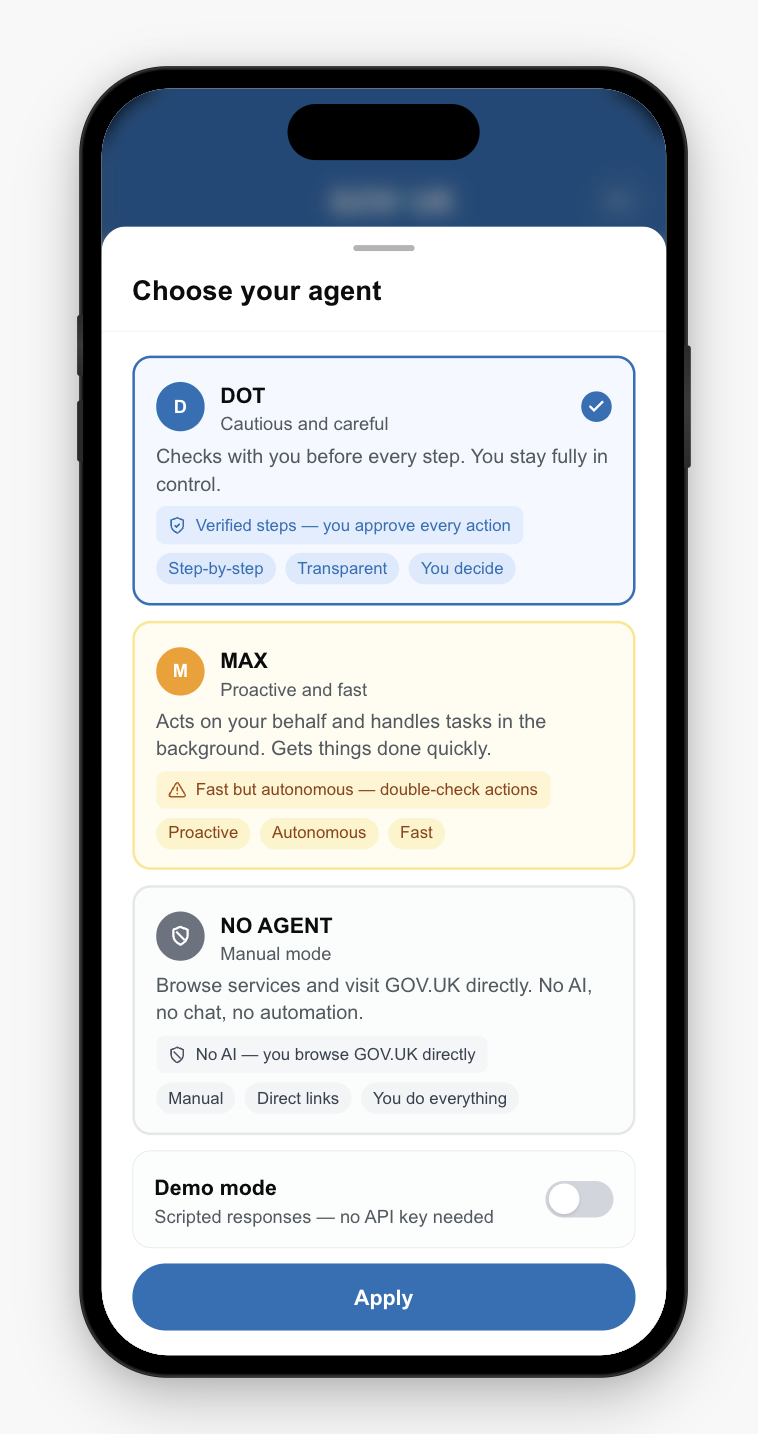
From a brief conversation — the agent asks whether the death has been registered and whether she is named executor — the system identifies bereavement as the life event and matches it to six services across four departments.
20
Canonical fields needed
7
Fields Sarah must provide
The 13 stages
Sarah's journey through the conversational route passes through 13 distinct stages, from first message to final payment.
1
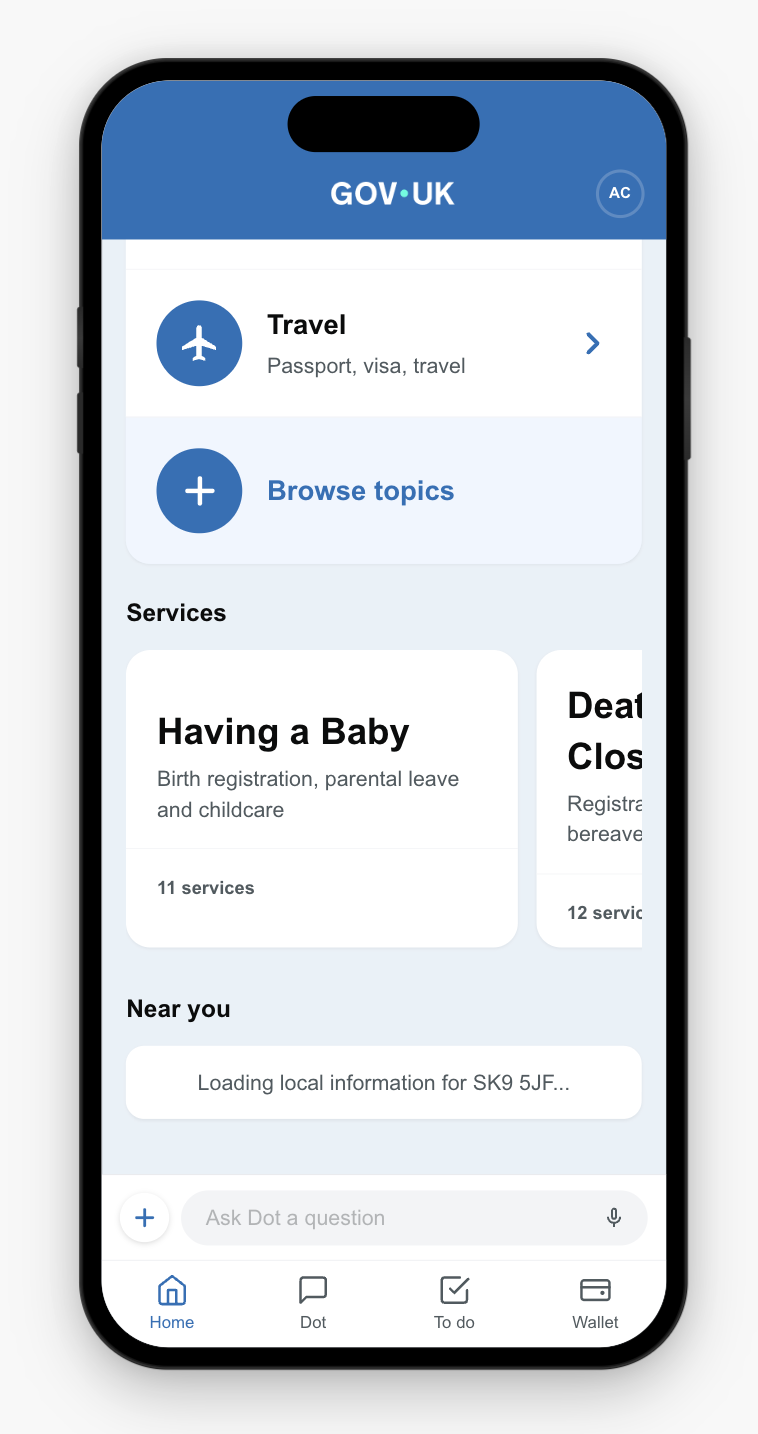
Home
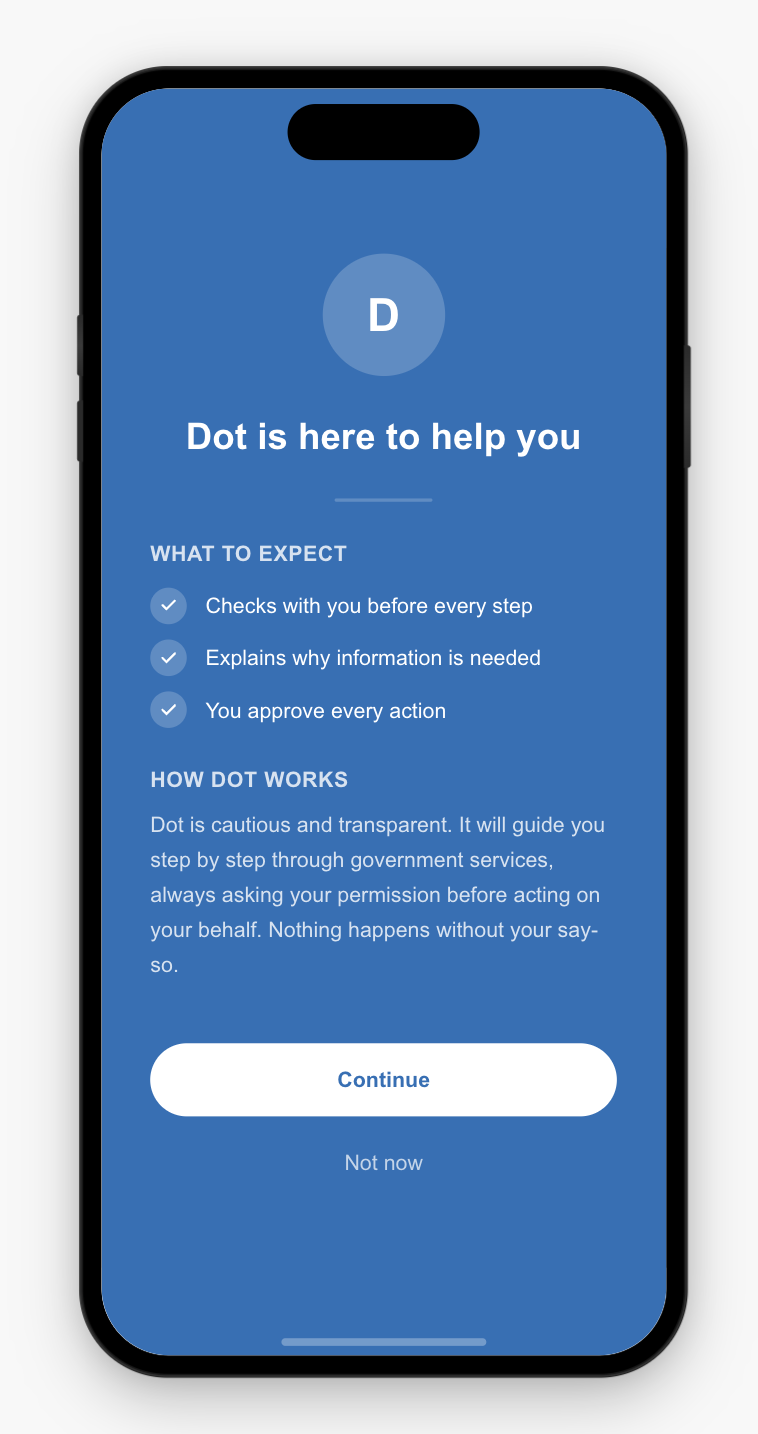
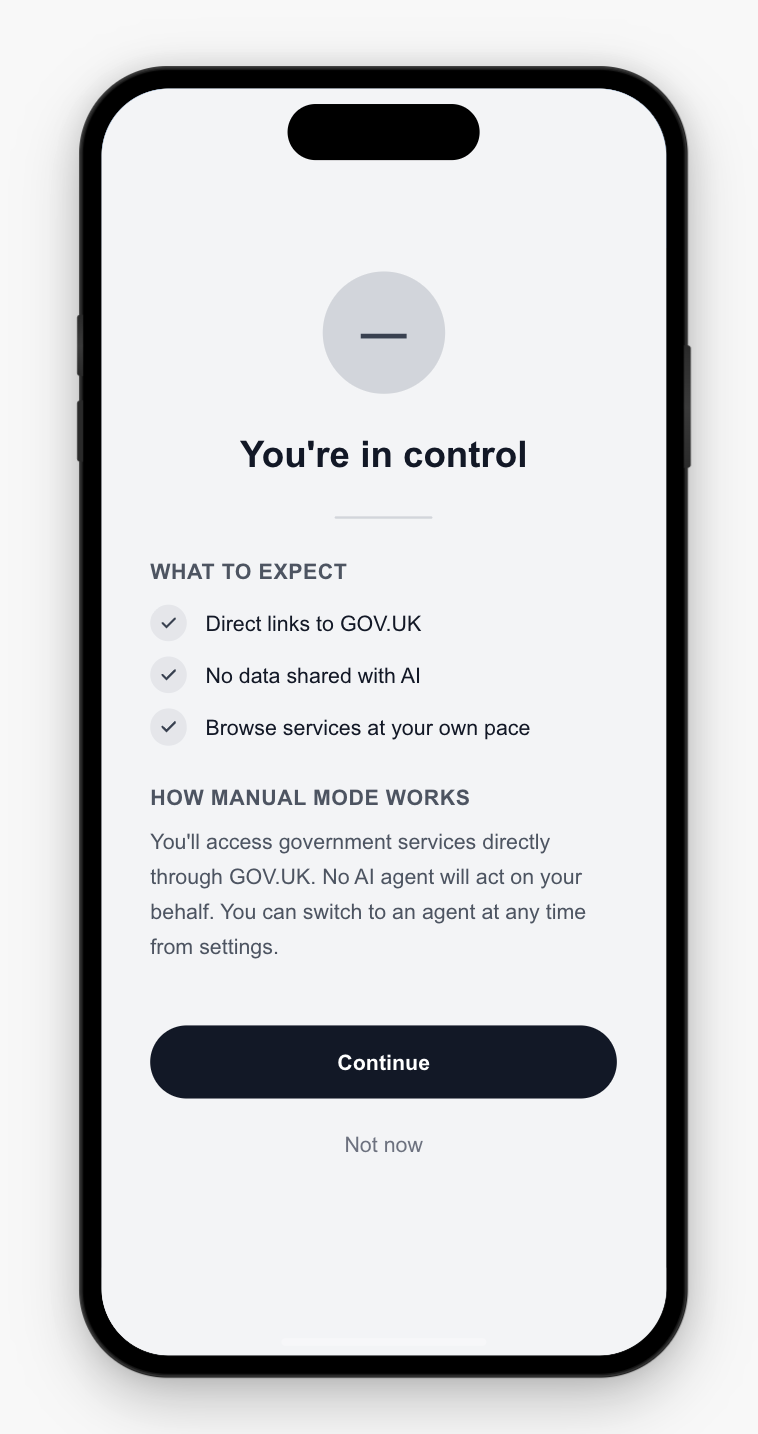
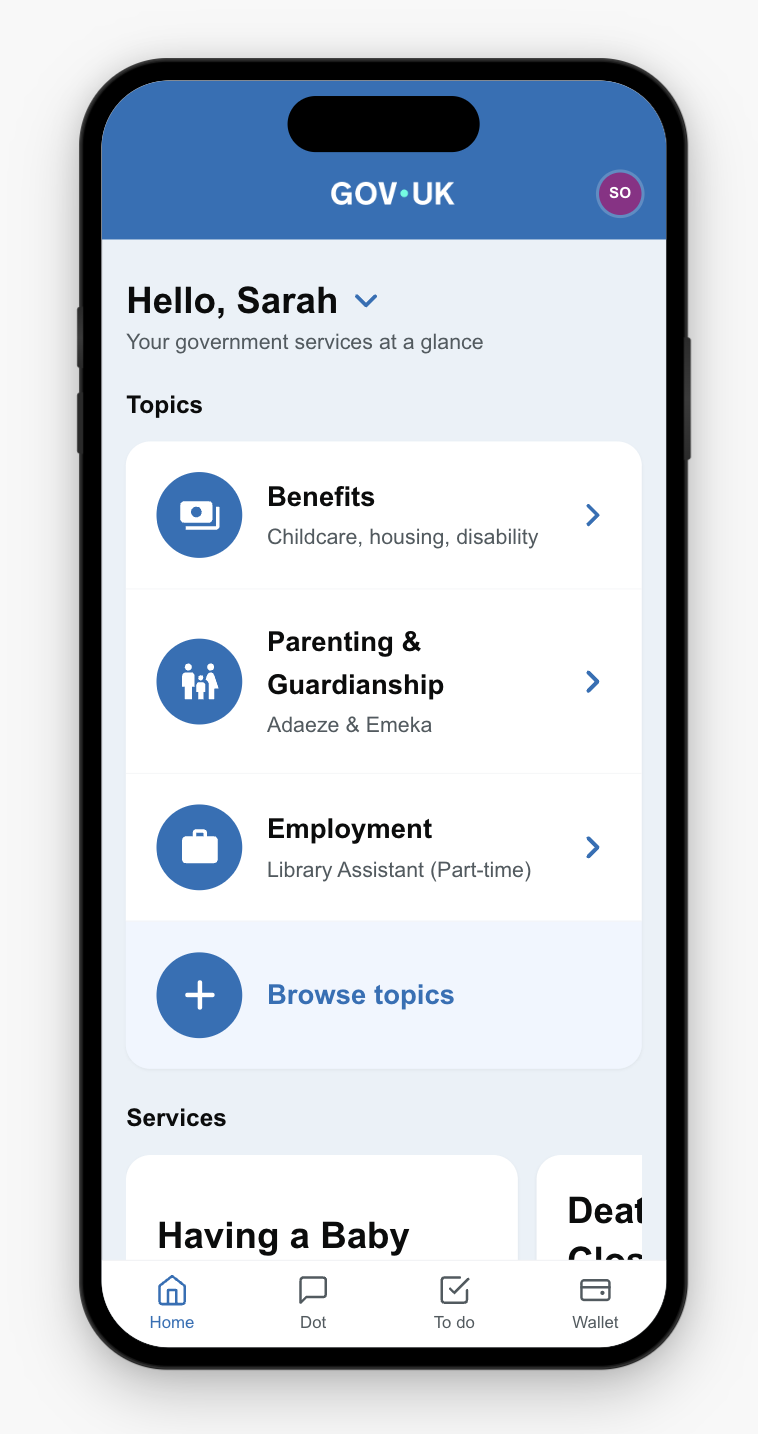
Sarah clicks Dot in the bottom nav to start a conversation about her husband's death.
2
Triage
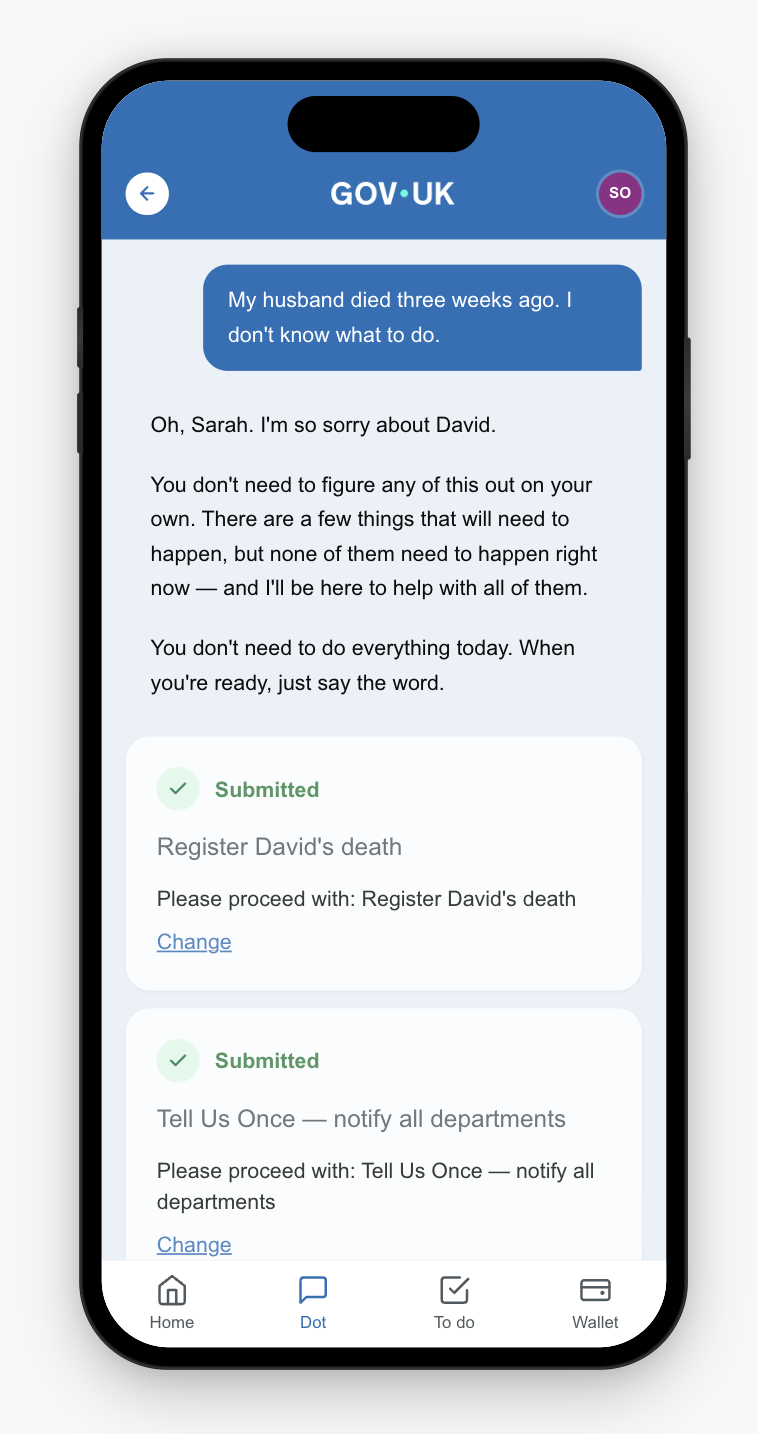
The agent makes sense of Sarah's request, understanding which departments and services are relevant. It presents the most important tasks in order of urgency. The first two: register David's death, and notify all departments through Tell Us Once.
GRO DWP HMRC HMCTS
3
Delegation
By clicking "Do this" on each service card, Sarah delegates tasks to the agent. The steps and processes are submitted on her behalf.
4
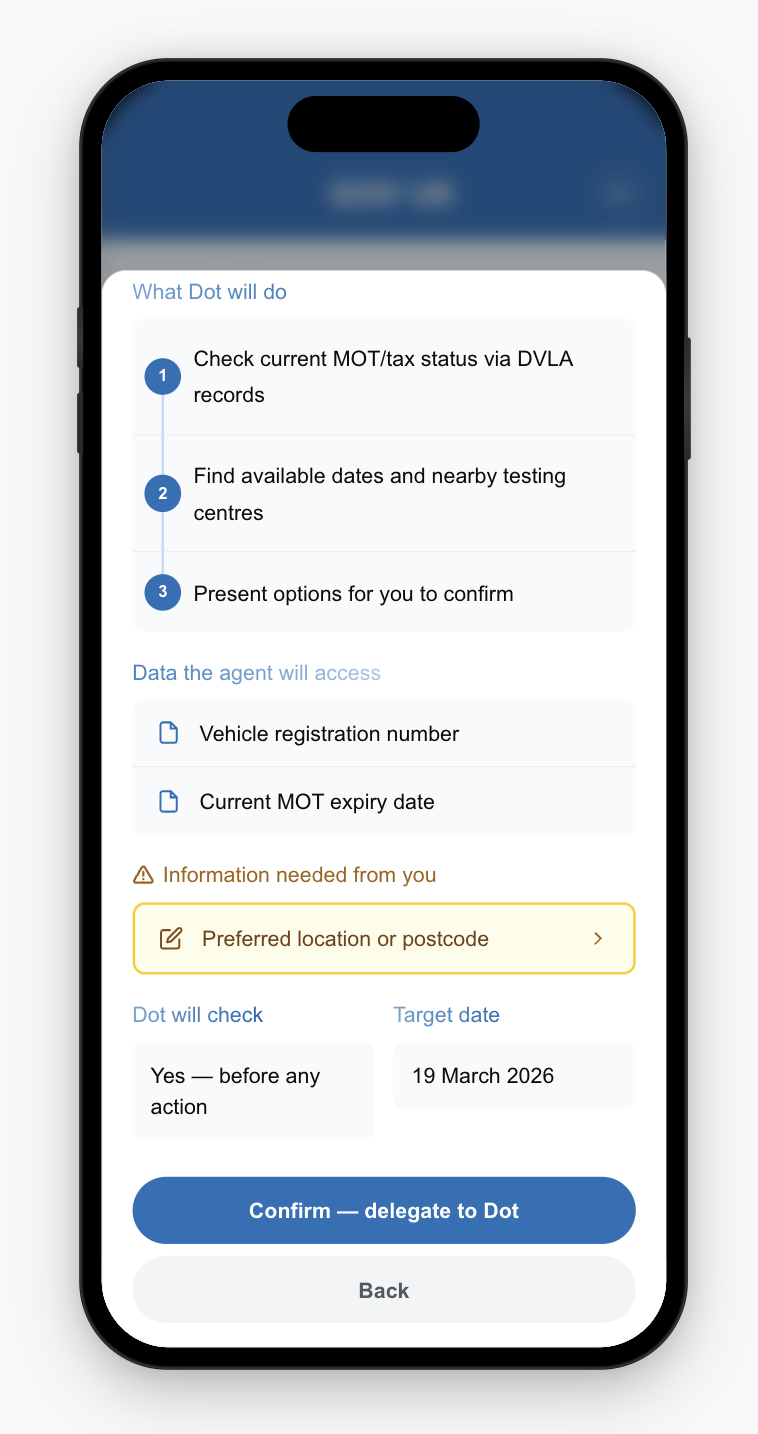
Confirmation
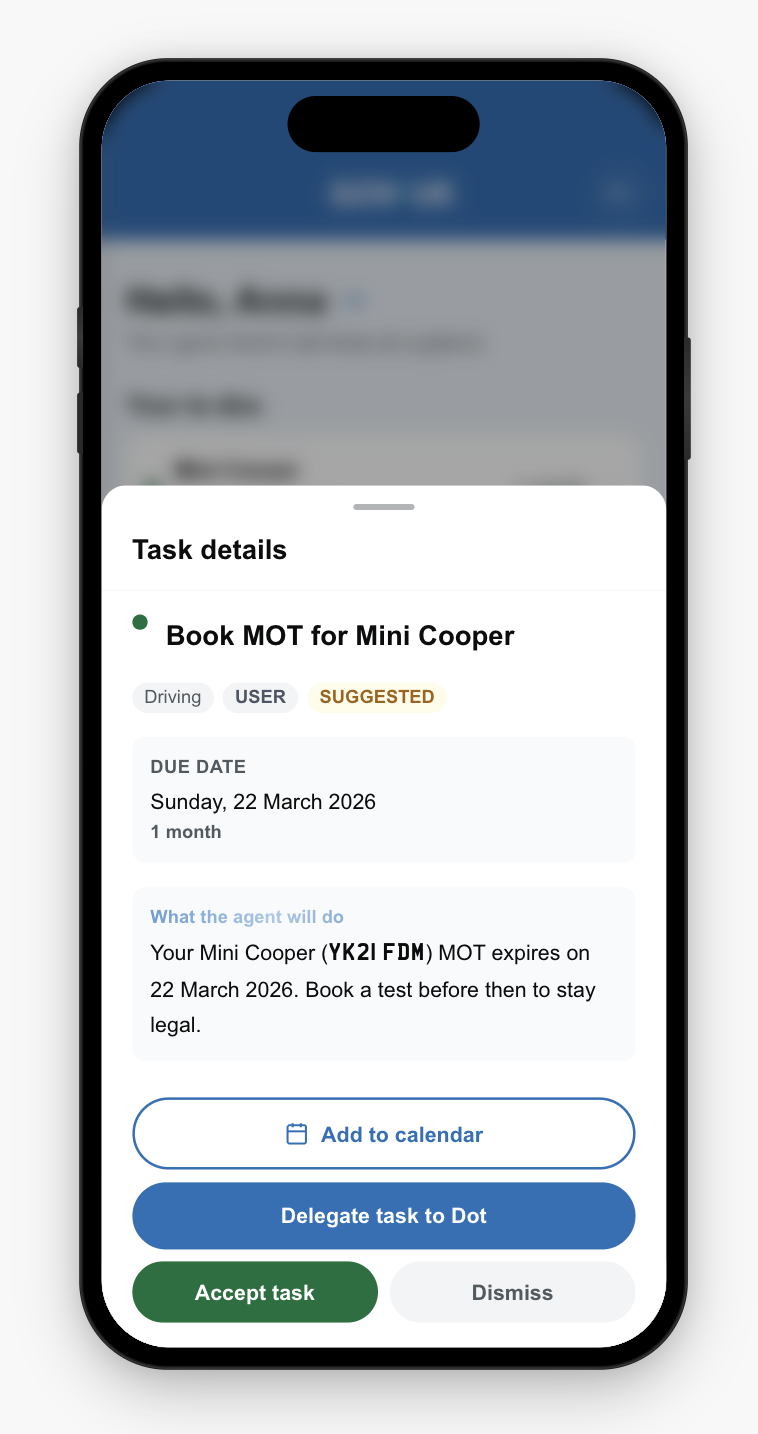
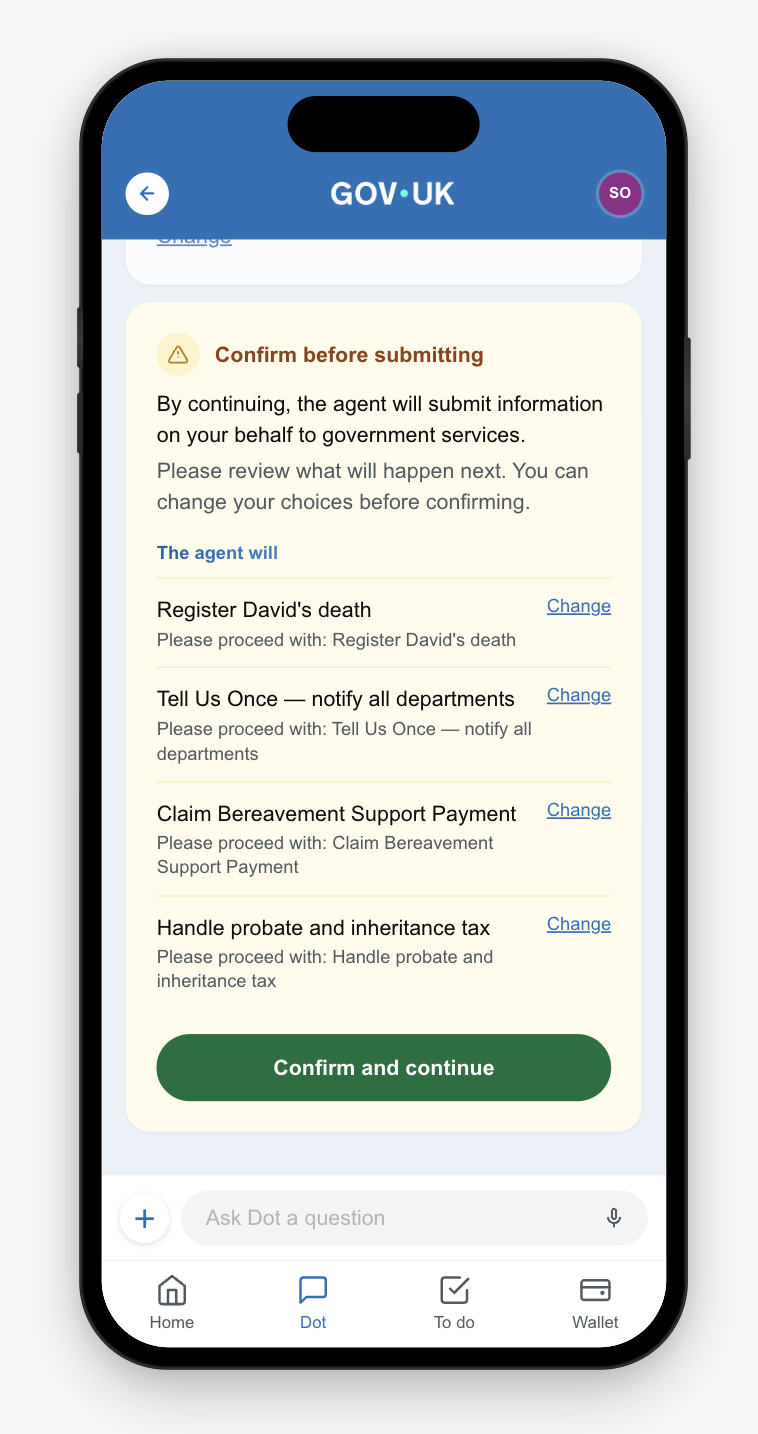
A confirmation card outlines what the agent will do on Sarah's behalf and gives her an opportunity to alter any tasks or approaches.
5
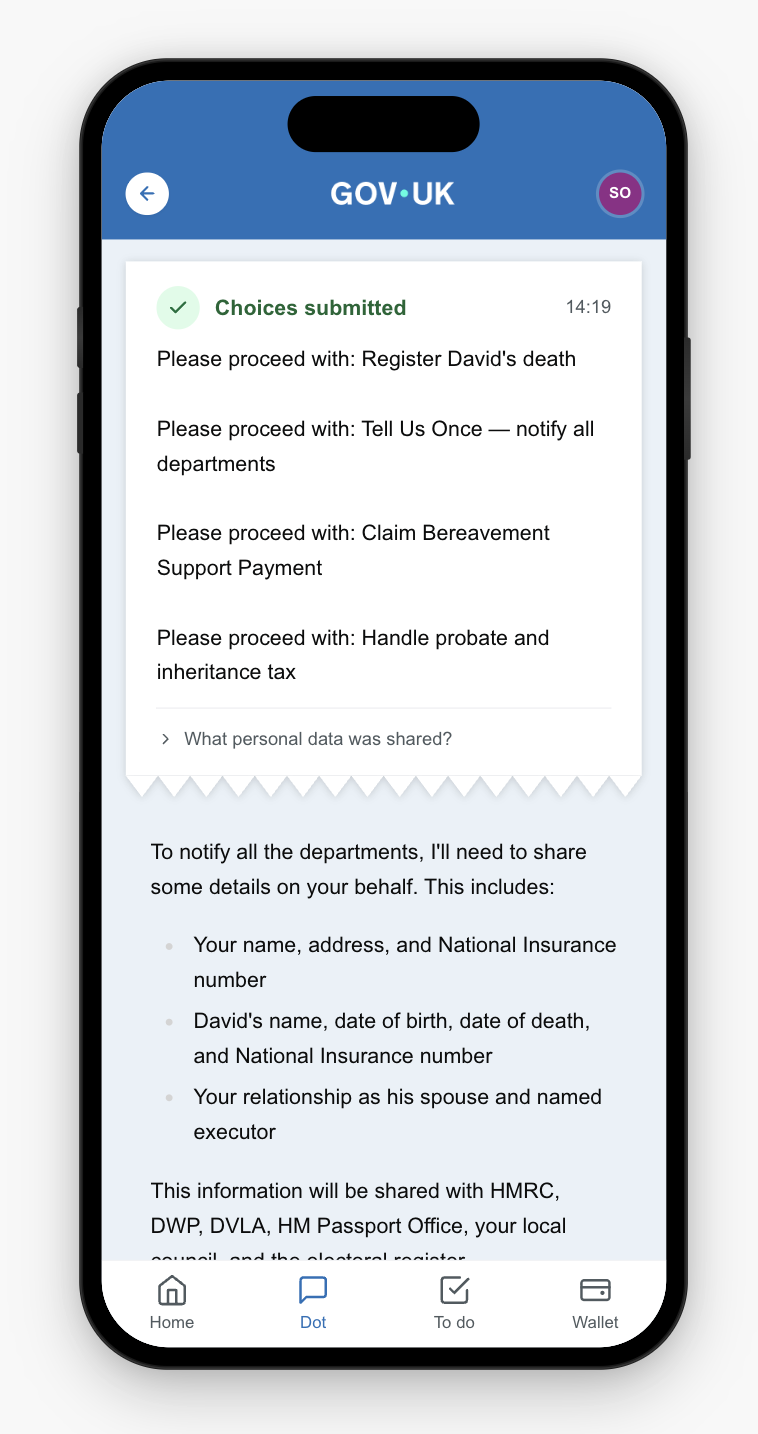
Receipt
A receipt card acknowledges Sarah's choices, timestamps the request, and provides a link to interrogate what personal data has been shared and on what terms.
6
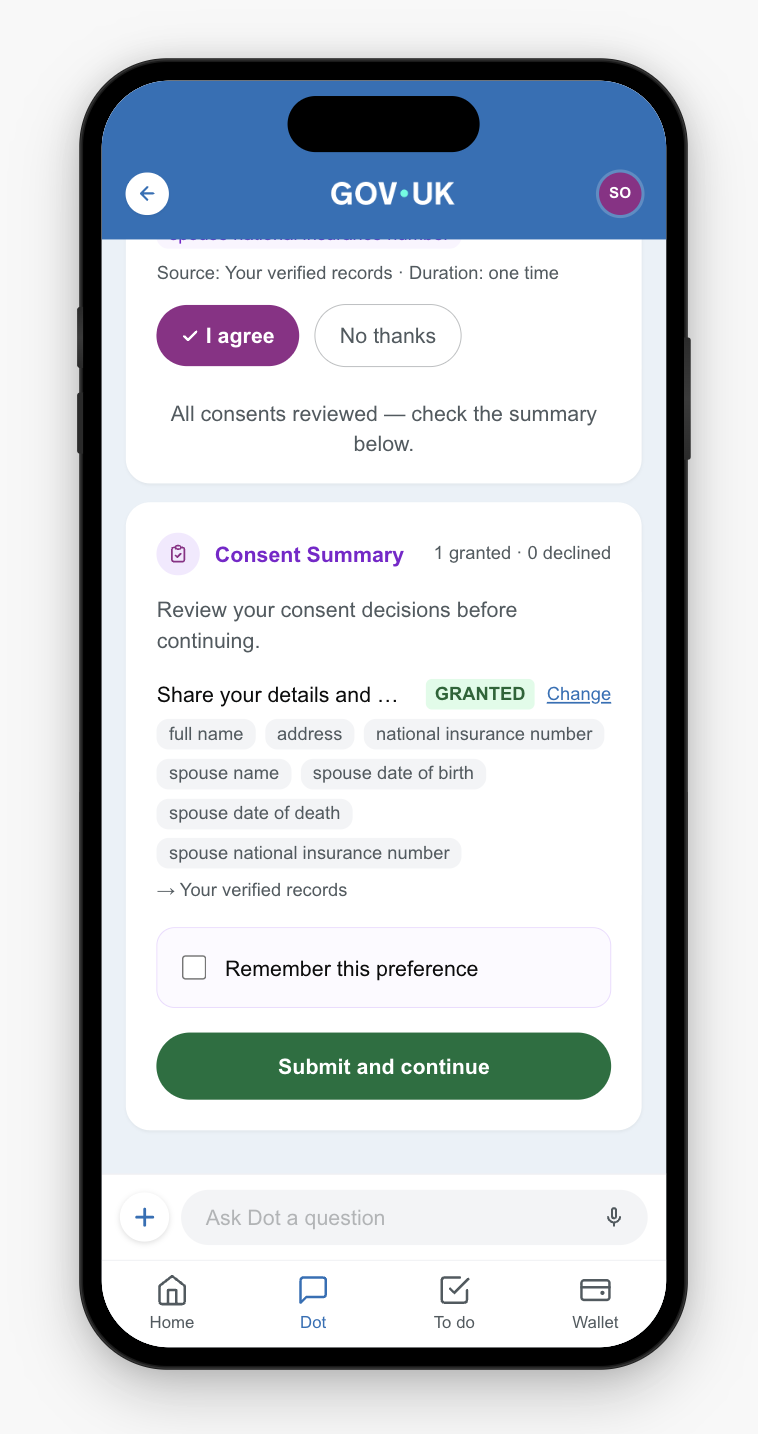
Consent
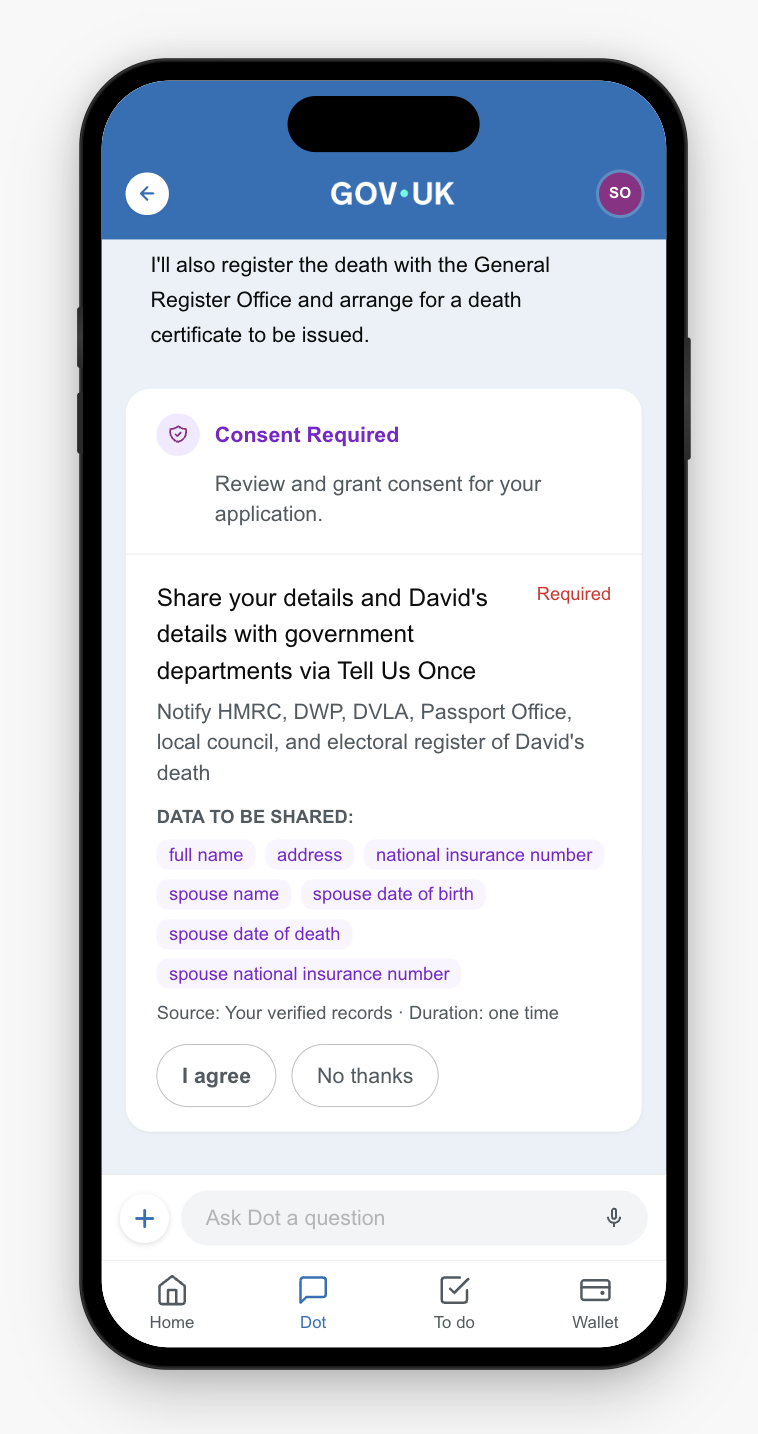
Before any data is passed to services, Sarah gives consent for her and David's details to be shared with government departments. Each department is listed, along with the data to be shared, and she can agree or decline.
7
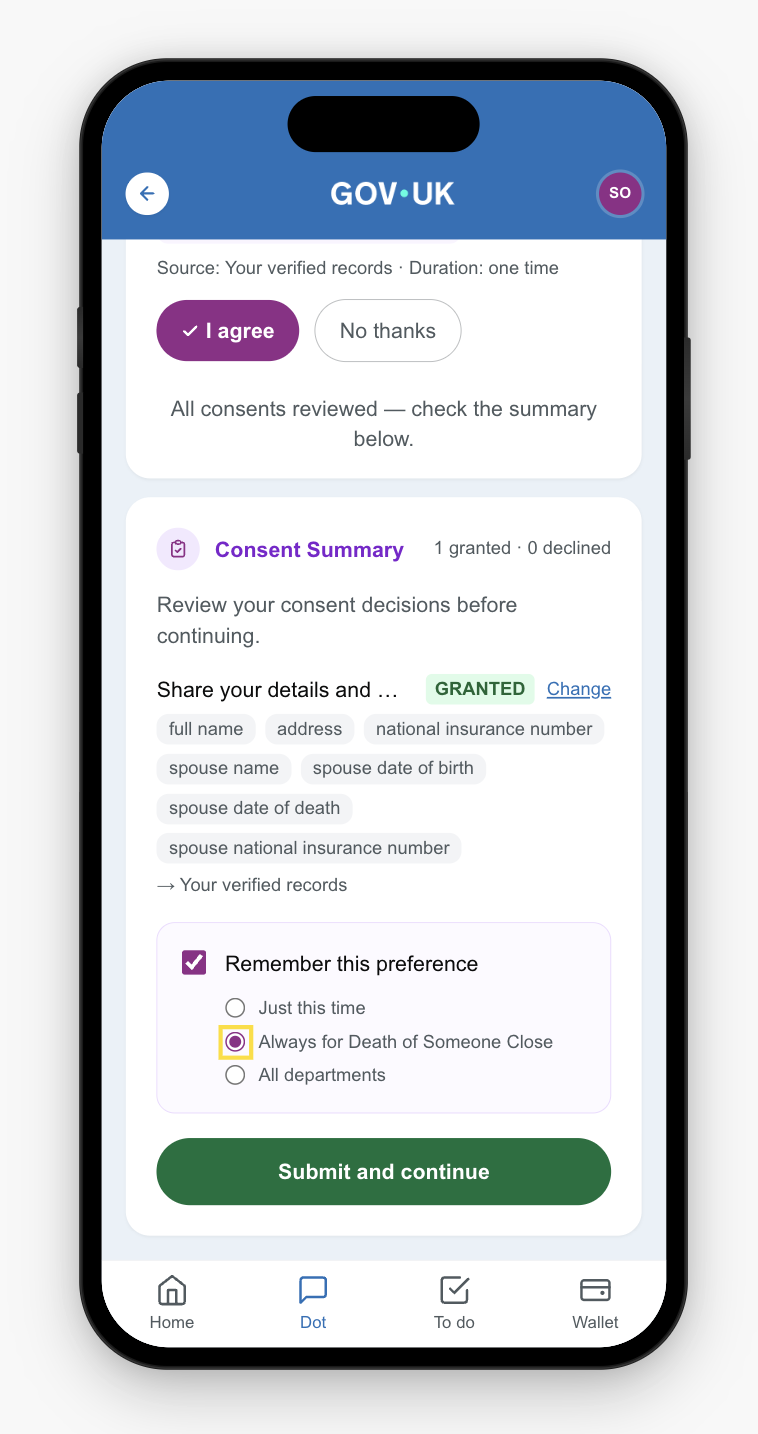
Preferences
After agreeing, Sarah can set her data sharing preferences for future interactions.
8
Terms
Sarah chooses the scope: share data just this once, always for bereavement services, or always with all departments.
9
Fulfilment
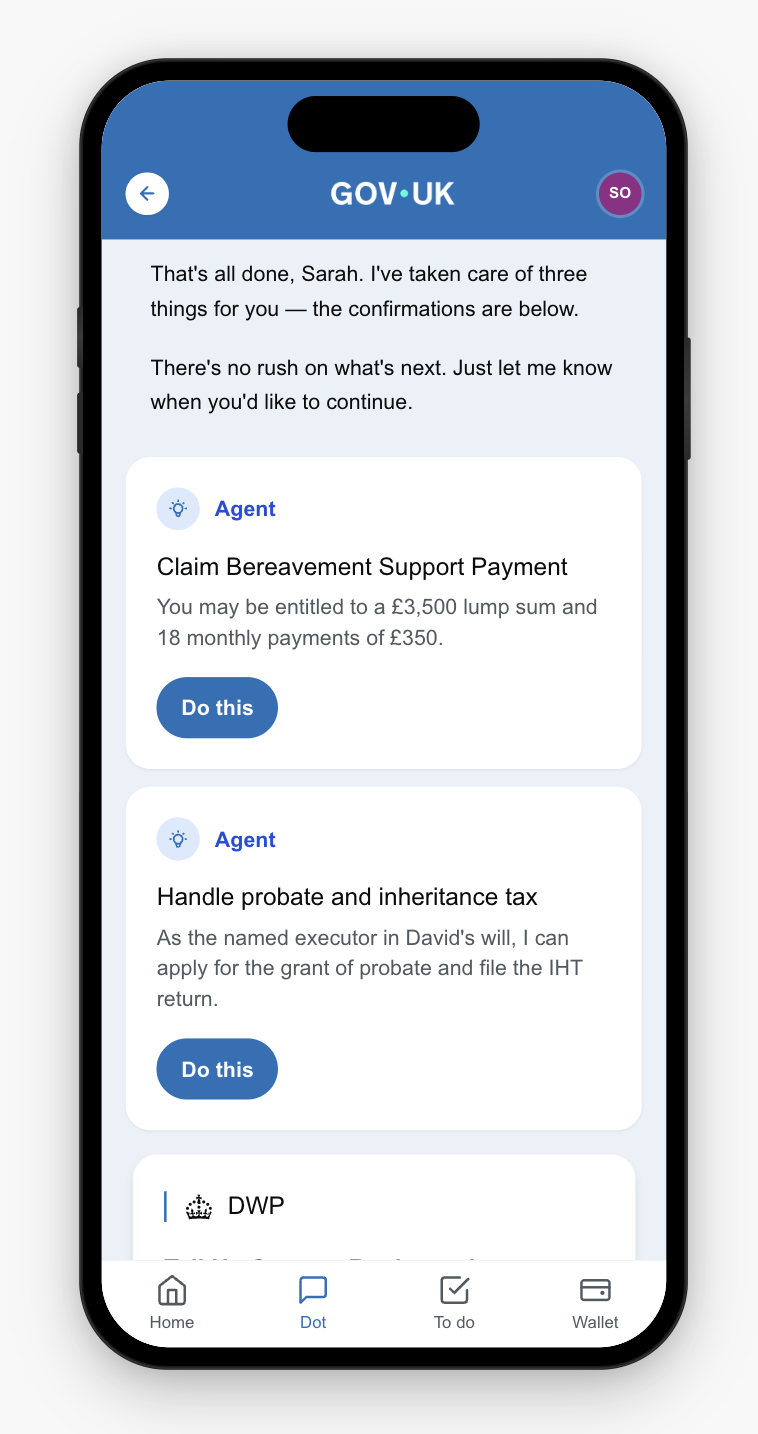
Results cards appear with relevant content. The Tell Us Once service has been initiated with a reference number that can be copied.
DWP
10
Credentials
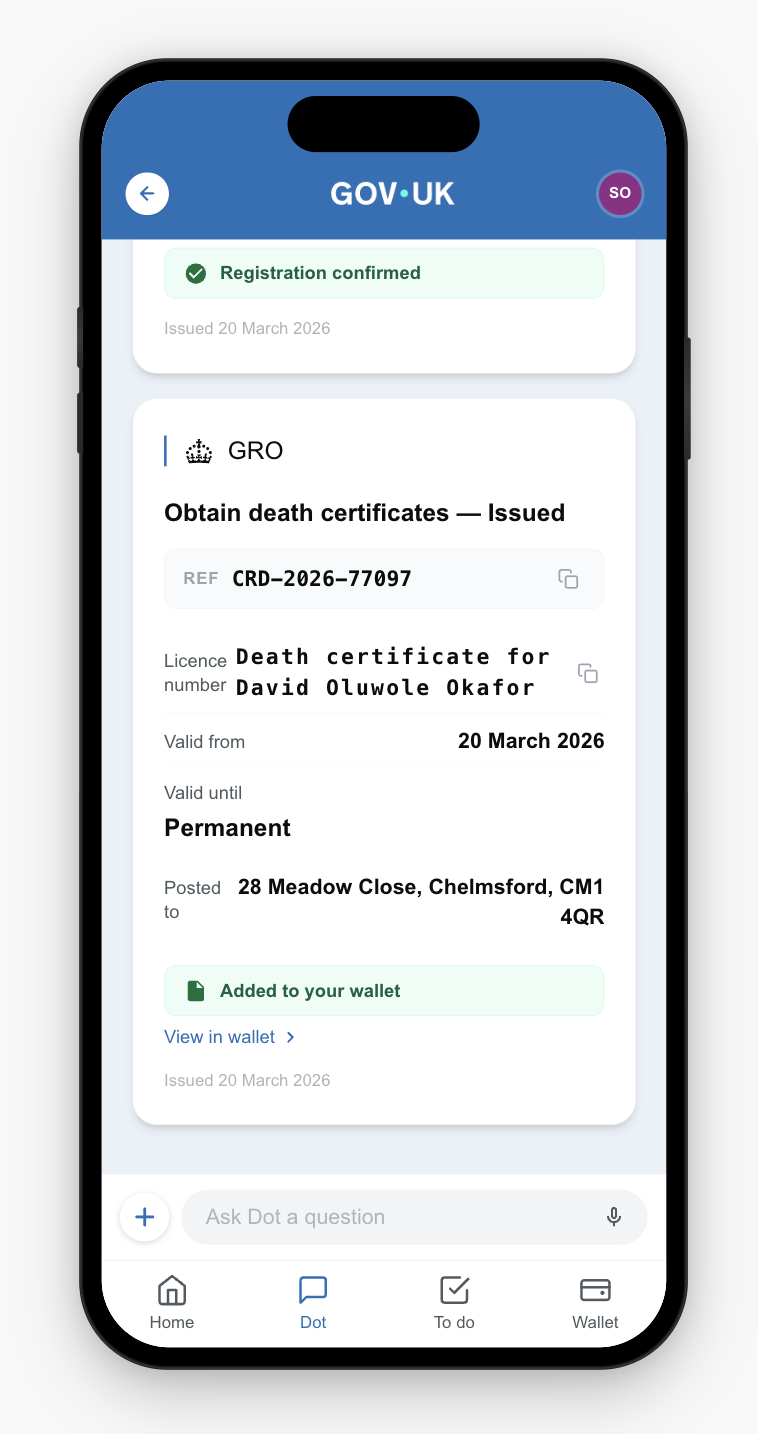
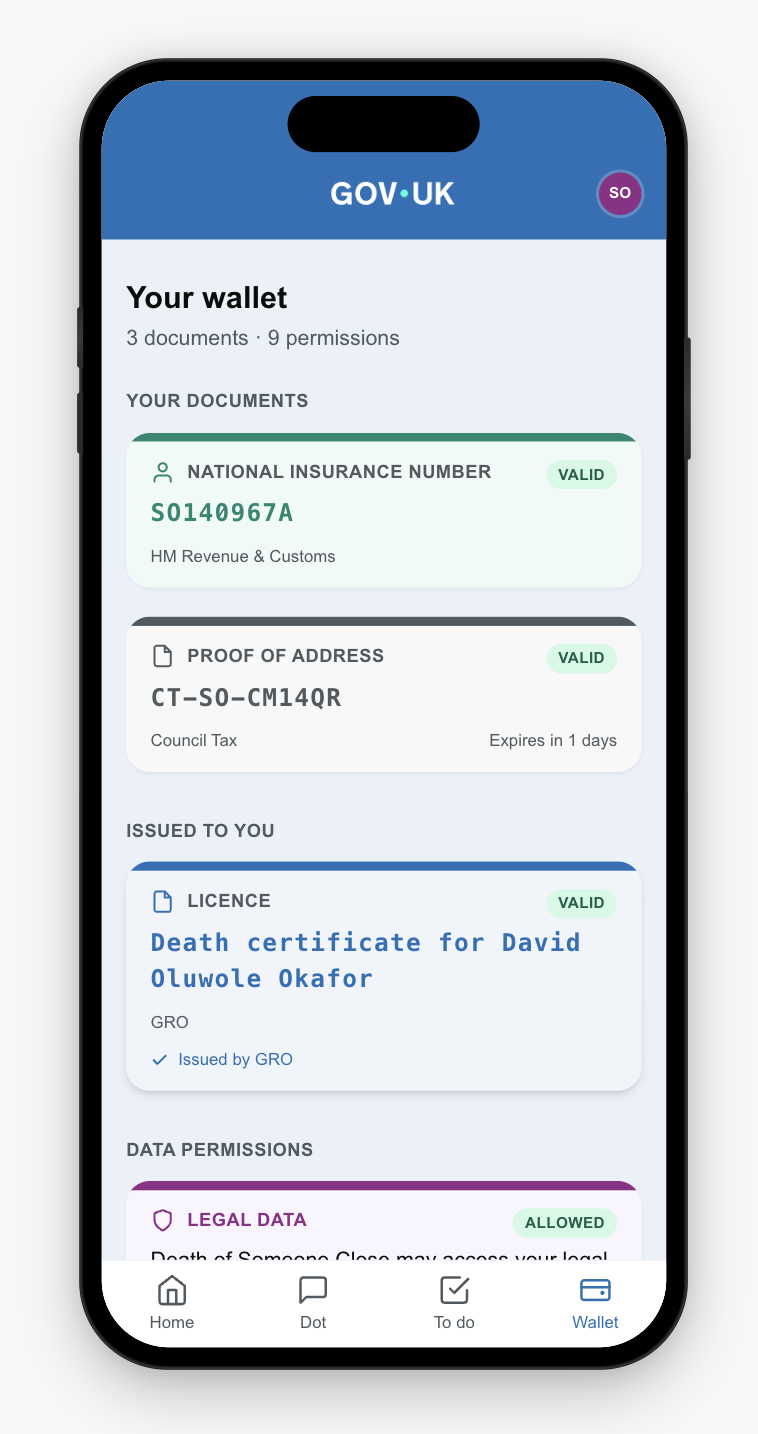
The death certificate has been issued and is now visible in Sarah's wallet as a verifiable credential.
General Register Office
11
Wallet
The death certificate appears in the wallet with data permissions shown (Legal Data — Allowed).
12
Follow-on
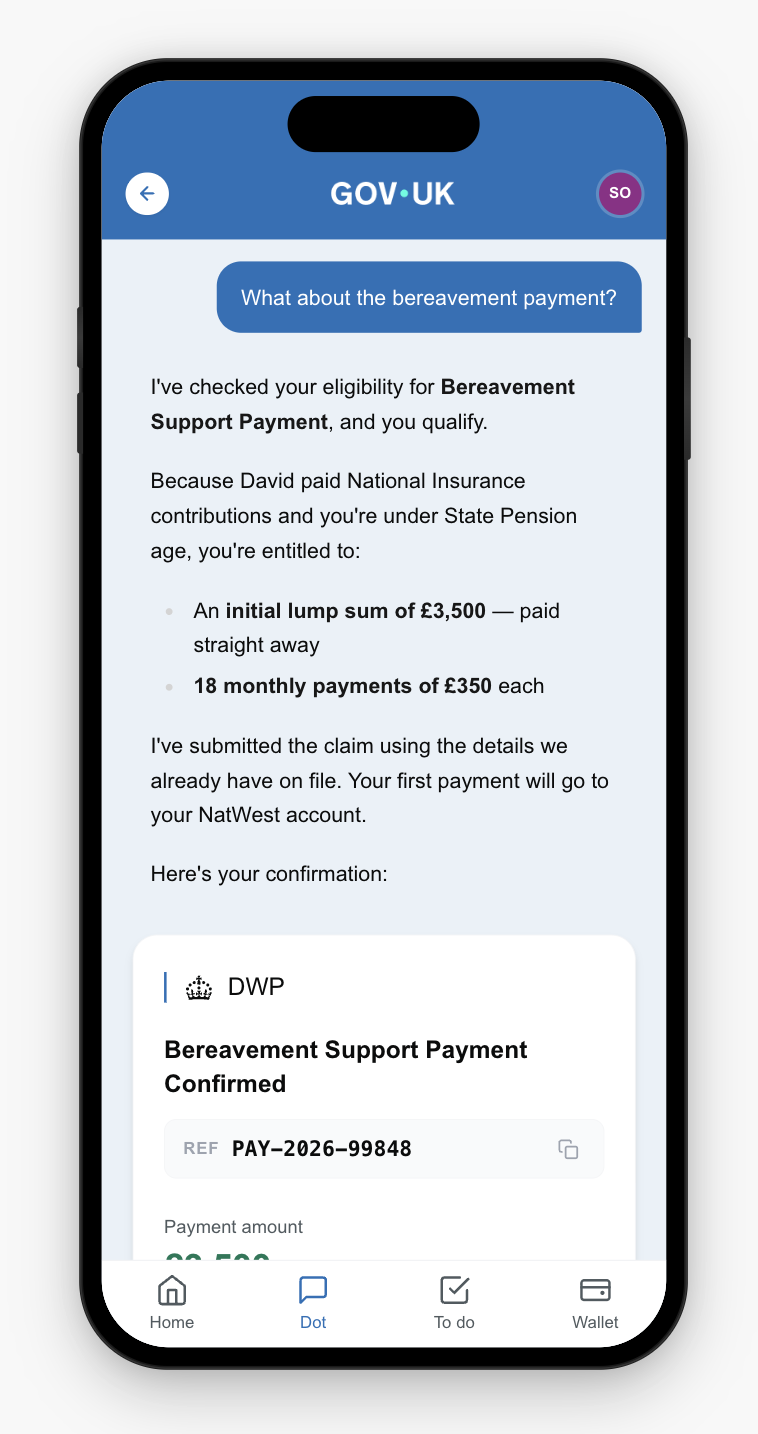
Sarah returns to ask about the bereavement payment. The agent already knows her context and picks up immediately.
13
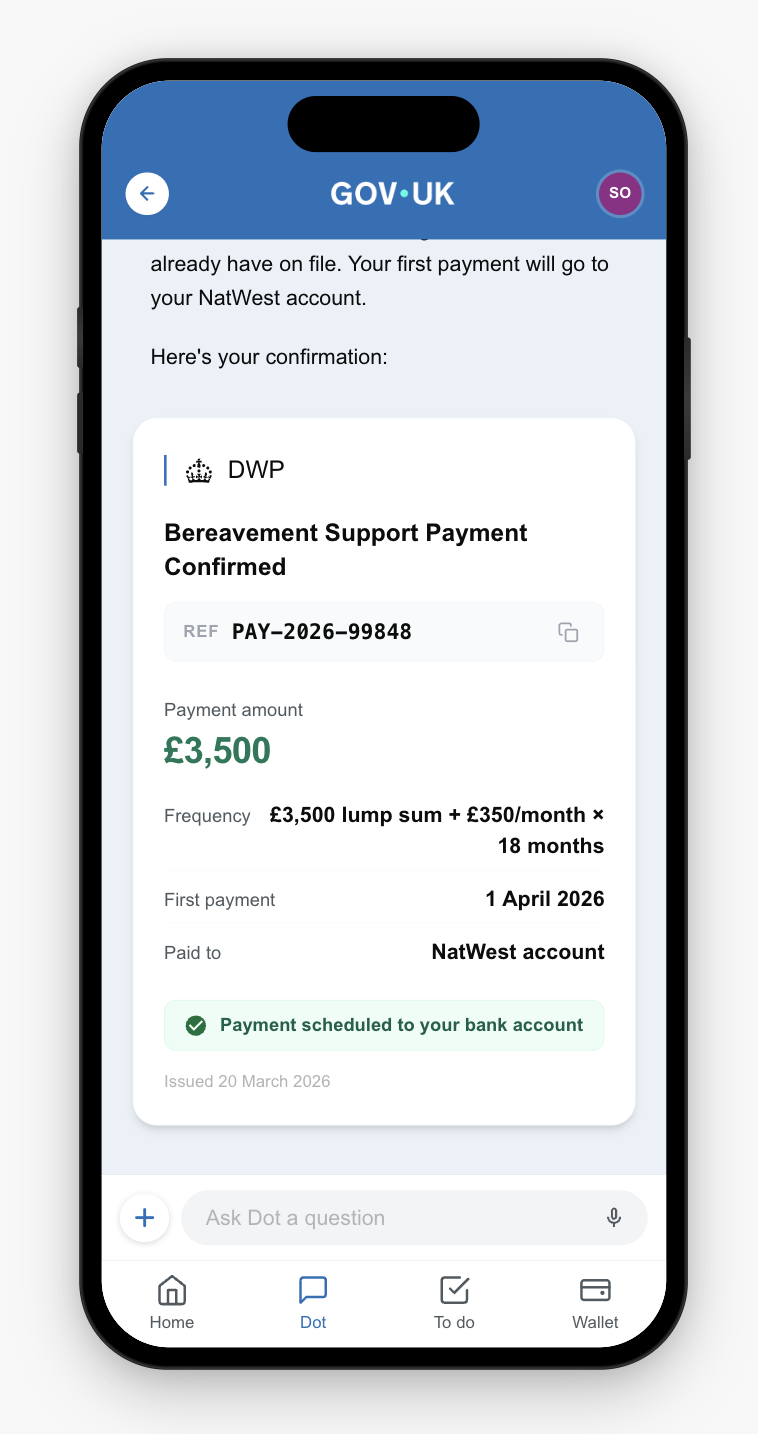
Payment
Having already identified Sarah's bank account, the bereavement support payment is confirmed with a reference number.
DWP
Home
Triage
Delegation
Confirmation
Consent
Fulfilment
Wallet
Payment
The service sequence
The agent proposes a plan ordered by dependency and urgency. Each service cascades data to the next — Sarah provides information once, and the agent fans it out to every service that needs it.
1
Register the death
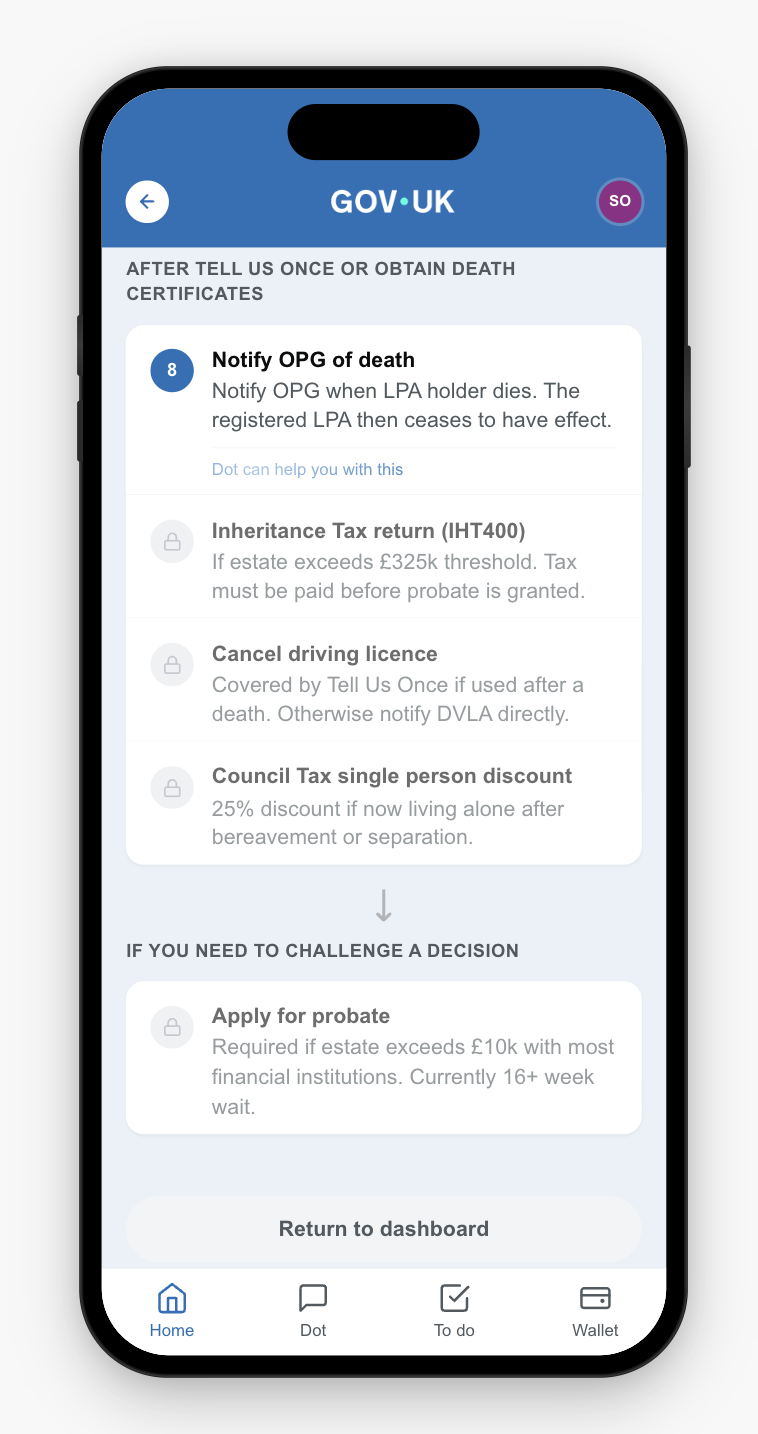
Legal registration within 5 days. This unlocks everything else. The death registration reference number cascades to every subsequent service.
General Register Office
2
Death certificate
Official certificate posted to Sarah's address. Required as evidence for probate and estate administration.
General Register Office
3
Tell Us Once
Notify HMRC, DWP, DVLA, Passport Office, council, and electoral register in one go. The Tell Us Once principle — notify government once, not repeatedly — extended across every relevant department.
DWP
4
Bereavement Support Payment
£3,500 lump sum plus 18 monthly payments of £350. Time-limited — the agent prioritises this because of the 3-month deadline. Sarah's bank details are collected once and shared with consent.
DWP
5
Inheritance tax return
IHT400 filed. Estate £645,000 is below the threshold — no tax due. The IHT reference number cascades to the probate application.
HMRC
6
Apply for probate
Grant of probate as named executor of David's will. Requires the inheritance tax reference number from HMRC.
HM Courts & Tribunals Service
Field deduplication
Each service defines its own field names for the same data. HMRC calls it "applicant_full_name", DWP calls it "claimant_name", GRO calls it "informant_name" — but they all mean Sarah's name. The field merger maps all variants to canonical fields.
87
Raw service fields across 6 services
→
20
Canonical fields after deduplication
Of those 20 canonical fields, 8 are already in Sarah's wallet (name, date of birth, NI number, address, contact details). A further 5 are held by other departments (deceased's NI number from HMRC, pension details from DWP). Two fields cascade from earlier services (death registration reference, IHT reference number). That leaves 7 pieces of information only Sarah can provide: her relationship to David, their marriage certificate, the place of death, David's occupation, her bank details, the estate assets, and David's will.
Without deduplication, Sarah would answer 87 separate questions across 6 government services — many asking for the same information in slightly different ways. With the field merger, she confirms 20 pieces of information, and of those, 13 are already known. She provides 7 new pieces of data. The rest is handled.
← Back to platform overview